
Made for Apple Watch
Less phone.
More flow.
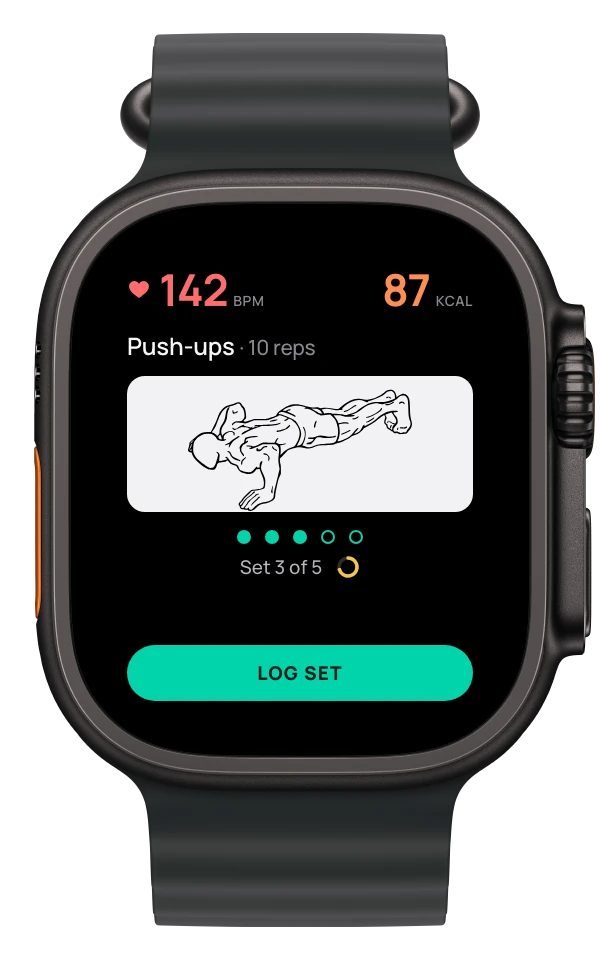
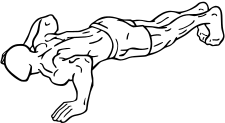
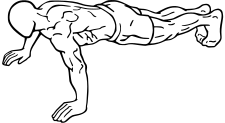
Your exercises, sets, and rest.
Right on your wrist.
Free · No account · No ads or trackingNeeds an iPhone and an Apple Watch
01 / Between sets
You meant to rest ninety seconds. Then you picked up your phone.
- Which set was that? One tap logs it. Your watch keeps count.
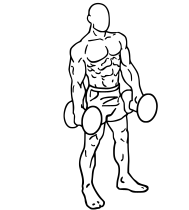
- What’s next? The exercise, the reps and how to do it, on your wrist.
- Rest running long? The timer starts on its own and taps you when it’s time.
Your phone can stay in your bag.
02 / The exercises
See the move.
Then make it.
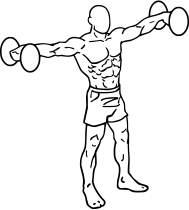
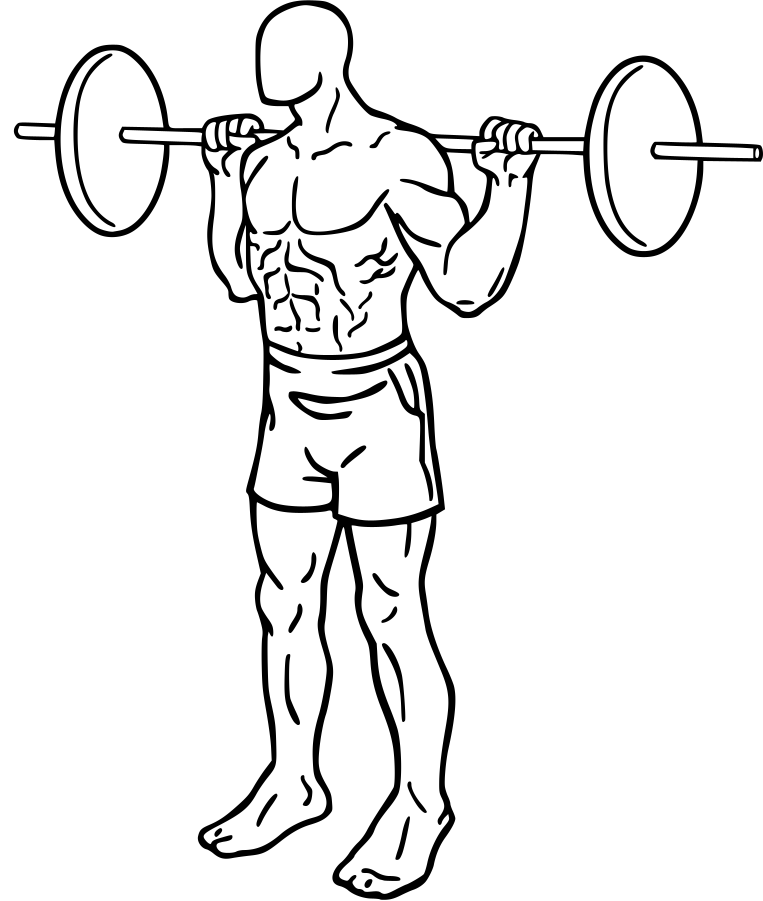
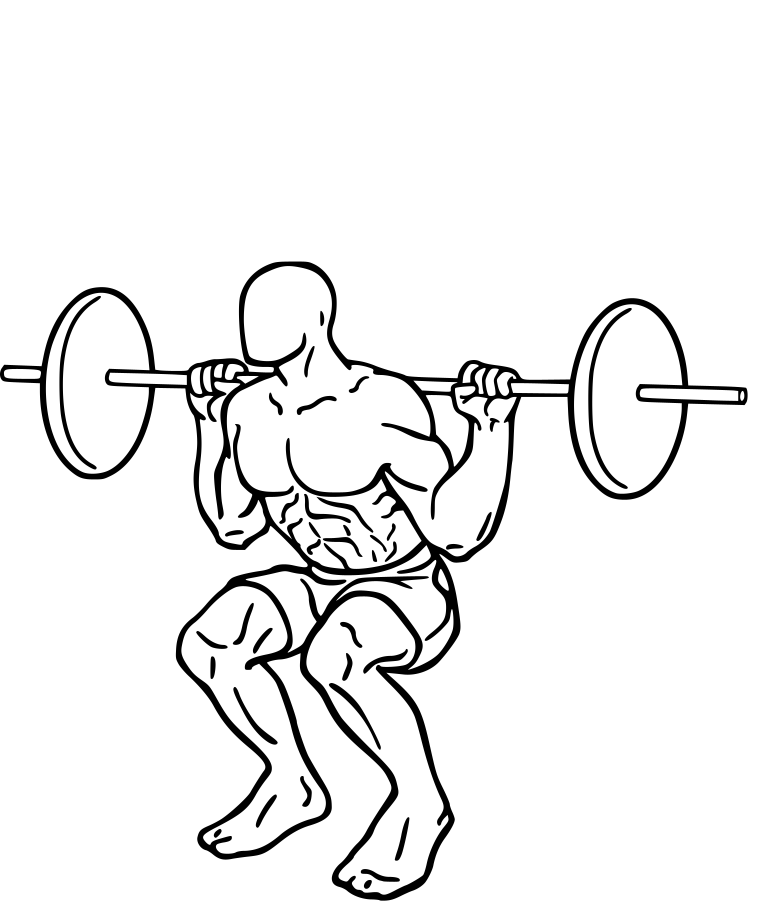
A moving reference for the exercise in front of you. Built into the app, ready when you are.
7 muscle groups.
03 / The plan
Plan on your iPhone.
Train on your watch.
Choose your focus, add your exercises, and set your reps. Your plan syncs automatically between your iPhone and Apple Watch.
Explore the planner
Flow Routine
- Today4 exercises
- Tomorrow4 exercises
Add an exercise on iPhone to preview it on the Watch.
Push-ups · 3 sets · 10 / 10 / 10 reps
Your week, ready when you are.
Download on the App StoreFree · No accountNeeds an iPhone and an Apple Watch
04 / Plan with Claude
Say the week.
Wear the plan.
Describe your week. Claude can read your routine, add workouts, and adjust your sets and reps. Your plan syncs to Apple Watch through your iCloud.
Plan chest on Monday and legs on Thursday. Four sets each.
flowfit · list_routine (MCP)
└ Read your current week
flowfit · create_workout (MCP)
└ Monday / Chest · Thursday / Legs
flowfit · create_exercise (MCP)
└ 6 exercises · 4 sets each
Your two workouts are ready in FlowFit.
Workout preview
Your week, planned.
24 sets
Monday · Chest Sets × reps
- Bench Press4 × 8
- Incline Bench Press4 × 8
- Push-ups4 × 10
Thursday · Legs Sets × reps
- Squats4 × 10
- Lunges4 × 10
- Calf Raises4 × 15
Interactive website preview · sample data, no changes to your account.
How to connect
- Add the connectorIn Claude, open Customize › Connectors › + Add › Add custom connector. Name it FlowFit and paste the server URL above. If prompted, choose “Register automatically”.
- Sign in with your Apple AccountUse the same Apple Account you use with FlowFit. Plans you make with Claude will appear on your iPhone and Apple Watch.
- AskDescribe your week. Open FlowFit on your watch.
Using Claude Code?
Run this in your terminal, then use /mcp in Claude Code to sign in.
claude mcp add --transport http flowfit https://mcp.flowfit.club/mcp
Works with any MCP client that supports Streamable HTTP and OAuth. Server details at mcp.flowfit.club.
Ready without a signal.
Your saved plan, exercise guides, and timers stay on your watch. Train wherever you find your space.
Every session counts.
Follow heart rate and active calories as you train, then save your finished workout to Apple Health.
No account needed.
Open FlowFit and start planning your workouts.
FlowFit for Apple Watch
Make room
for your workout.
Free · No account · No ads or trackingNeeds an iPhone and an Apple Watch

How to get it
- DownloadFlowFit is free on the App Store.
- Open it on your watchThe watch app installs with the iPhone app.
- TrainPlan on iPhone. It syncs to your watch automatically.
If FlowFit doesn’t appear on your watch, open the Watch app on your iPhone and install it from Available Apps.